GOOGLE VEO
Ranked #8 in our AI Music Video Generator rankings
Score Breakdown
Overview
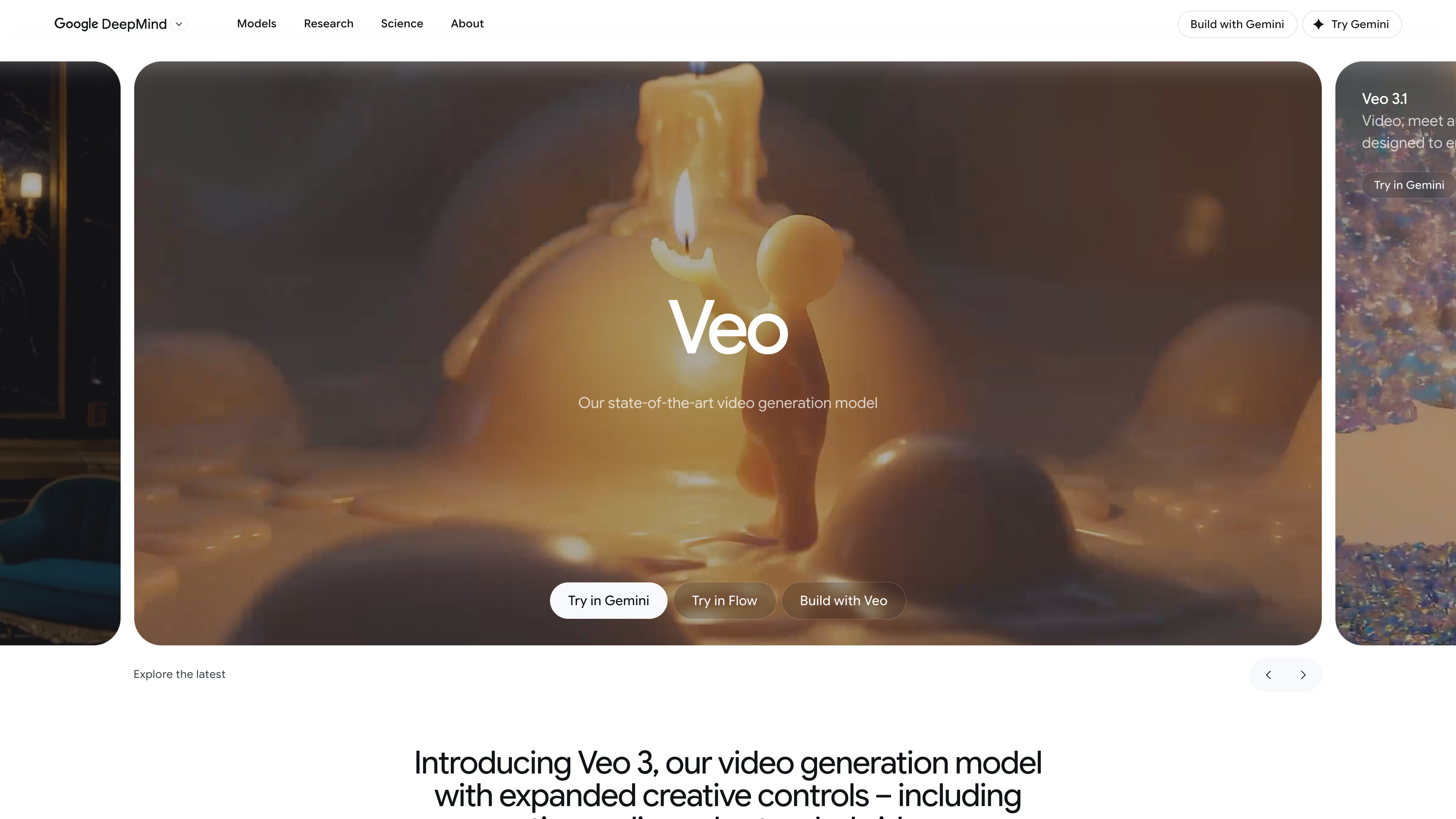
Google Veo represents Big Tech's entry into AI video generation. The output quality is exceptional—some of the most photorealistic AI footage we've seen. But it's a general-purpose tool with no music-specific features.
Key Features
How It Works
Our Verdict
Google's entry into AI video is impressive on pure quality but bare-bones on features. Great photorealistic output, zero music-specific capabilities. A glimpse of the future, not a complete tool yet.
Pricing Plans
Free
- Limited generations
- 720p export
- Watermark
Premium
- More generations
- 1080p export
- No watermark
Pros & Cons
Pros
- Photorealistic output
- Google's AI power
- Fast generation
- Free tier
Cons
- No music features
- Limited controls
- Basic editing
Frequently Asked Questions
Veo matches Runway on quality but lacks Runway's advanced editing and control features.
Related Reviews

LTX Studio
The Hollywood option. LTX Studio produces the most cinematic output we've seen, with consistent characters and coherent scenes. Music sync is weaker, but if you want a real music video with a story, this is the one.

Runway Gen-3
The purest AI video quality available. Runway Gen-3 produces footage that often looks indistinguishable from real video. But there's no music integration—you're editing everything manually. For quality purists only.
Neural Frames
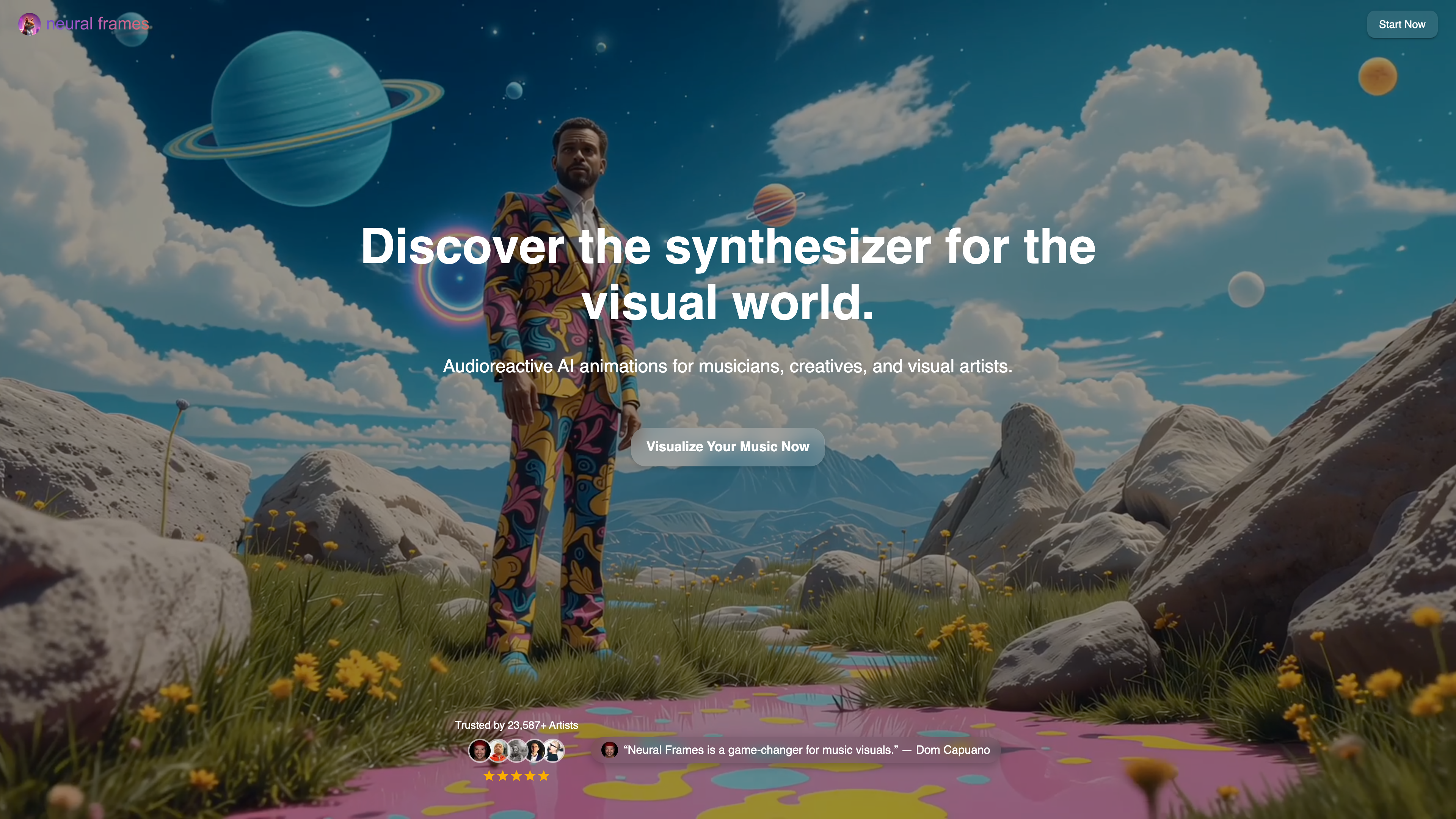
The visualizer specialist. If you want trippy, audio-reactive visuals that pulse and morph with your music, Neural Frames is the tool. Not for narrative videos—this is for pure visual experiences.