DESCRIPT
Ranked #13 in our AI Music Video Generator rankings

Score Breakdown
Overview
Descript is primarily a podcast and video editing tool. Its AI features are geared toward transcription, editing by text, and content repurposing. It's not designed for music video creation, but included here for completeness.
Key Features
How It Works
Our Verdict
Descript is really a podcast/video editing tool with AI features bolted on. It's excellent for repurposing content but not designed for creating music videos from scratch. Wrong tool for this job.
Pricing Plans
Free
- 1 hour transcription
- 720p export
- Watermark
Creator
- 30 hours transcription
- 4K export
- No watermark
Pro
- Unlimited transcription
- All features
- Priority support
Pros & Cons
Pros
- Great for repurposing
- Easy editing
- Good export options
- Transcription
Cons
- Not for music videos
- AI features are secondary
- Wrong use case
Frequently Asked Questions
Not really—it's designed for podcasts and talking-head content, not music video creation.
Related Reviews
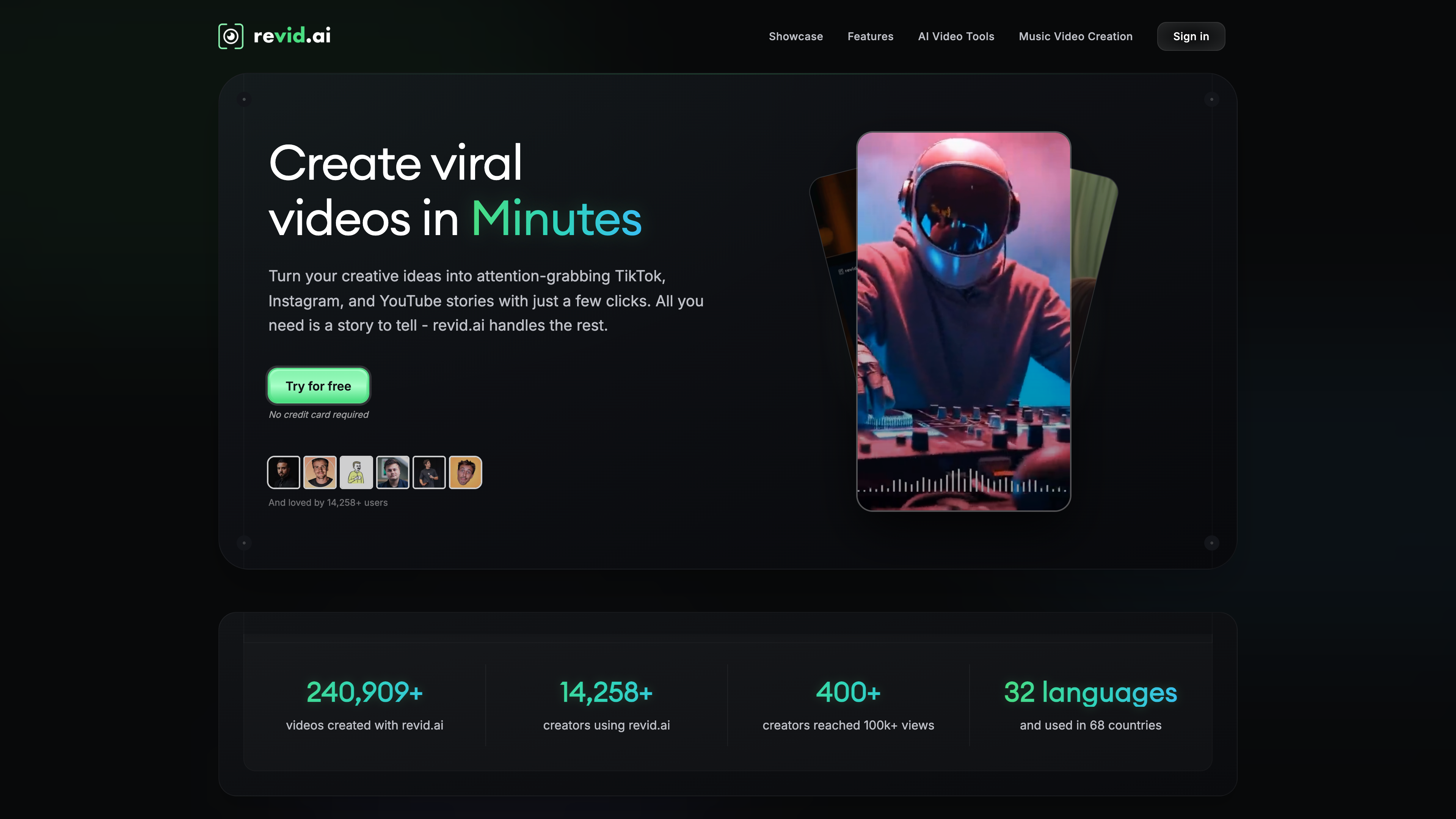
Revid.ai
Does everything well, nothing badly. The fastest path from 'I have a track' to 'I have a video posted on three platforms.' Not the fanciest AI footage, but the most useful tool for creators who actually need to ship content.
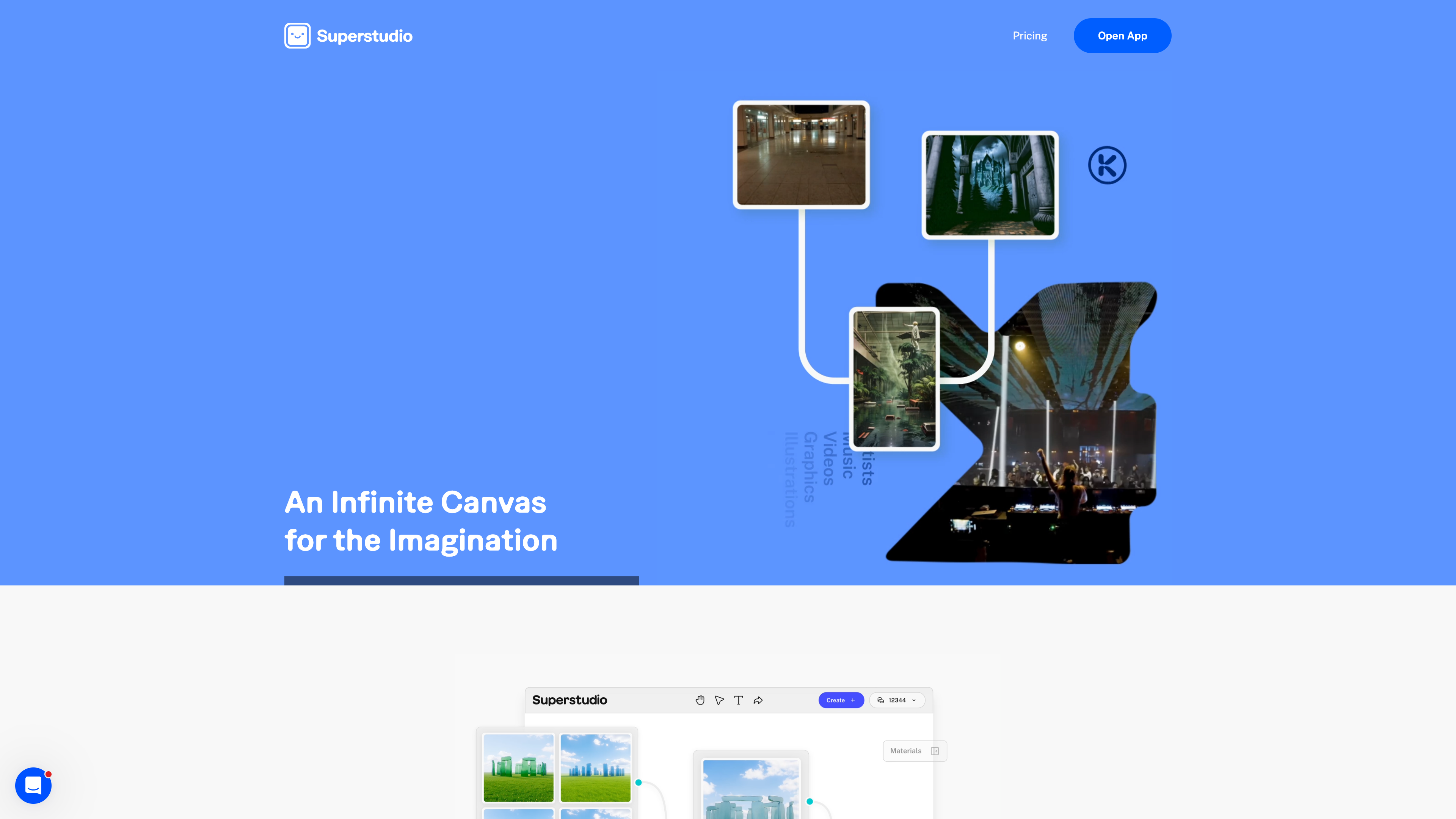
Kaiber
The OG of AI music videos. Kaiber pioneered the space and remains solid for quick, stylized content. Great for social media clips and visual experimentation, though others have caught up in features.
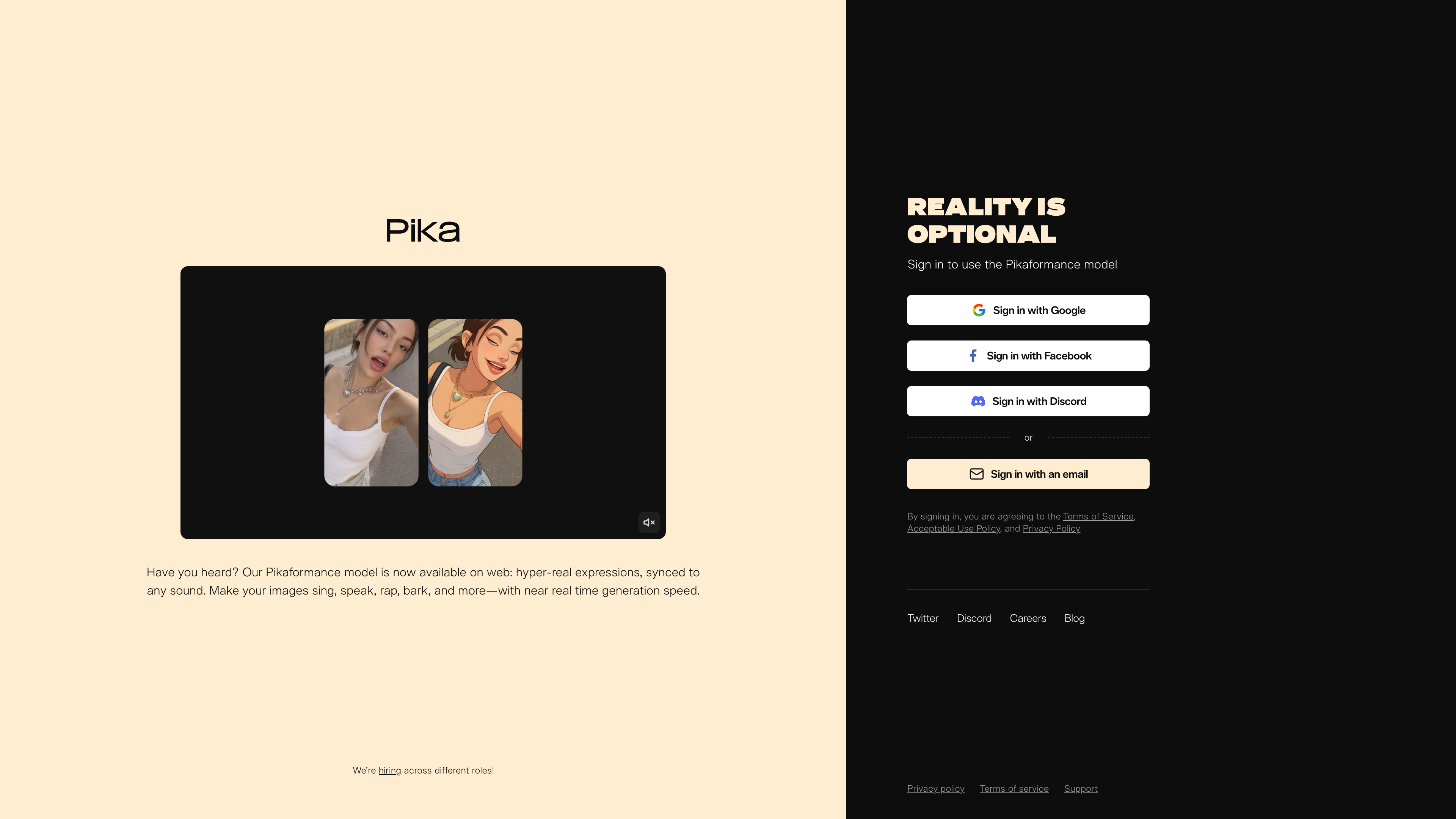
Pika
Fast, affordable, and easy to use. Pika is great for quick experiments and iterations. Quality is good but not exceptional, and music sync is non-existent. A solid entry point for beginners.